Power Forensics
Pre-alphaWhere did the watts go?
A Windows power-analysis workbench for collecting, correlating, comparing and investigating system power behaviour.
Pre-alpha software. Expect bugs, incomplete functionality and breaking changes.
What it does
Power Forensics in practice
Power Forensics is a Windows power-analysis workbench. It exists to answer a harder question than "how much power is the machine using right now?": where did the energy actually go, under which conditions, and how confident can the measurement be?
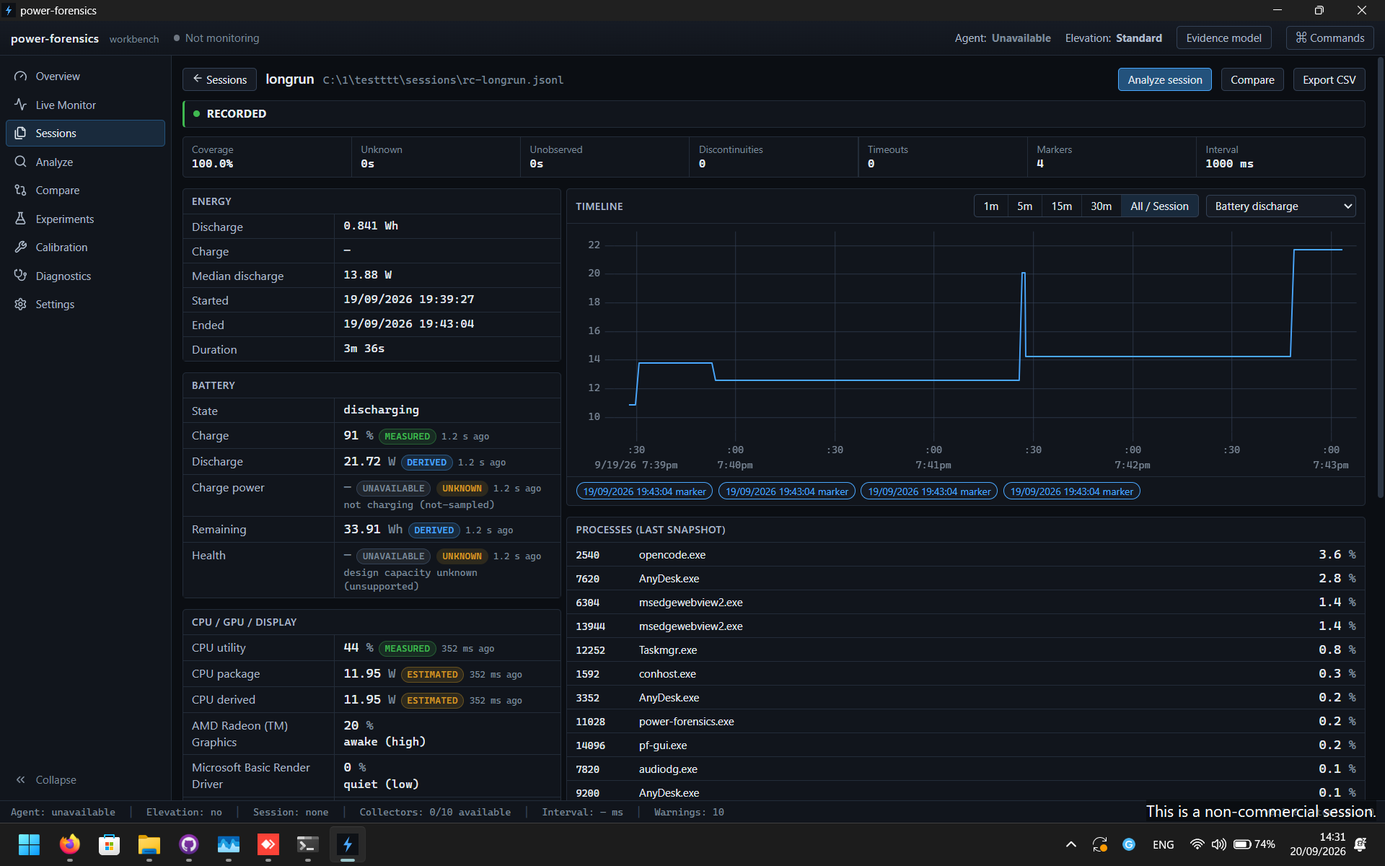
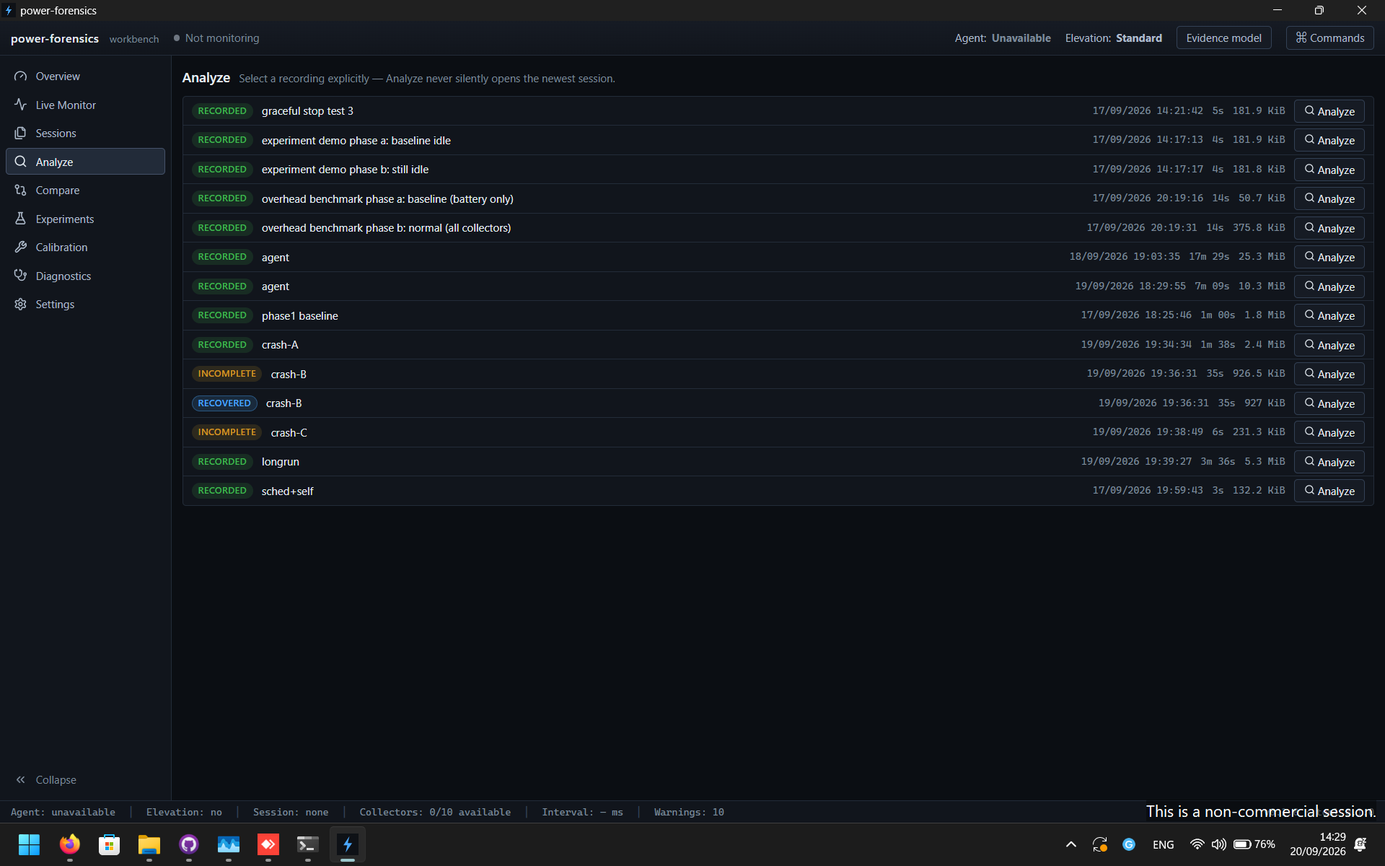
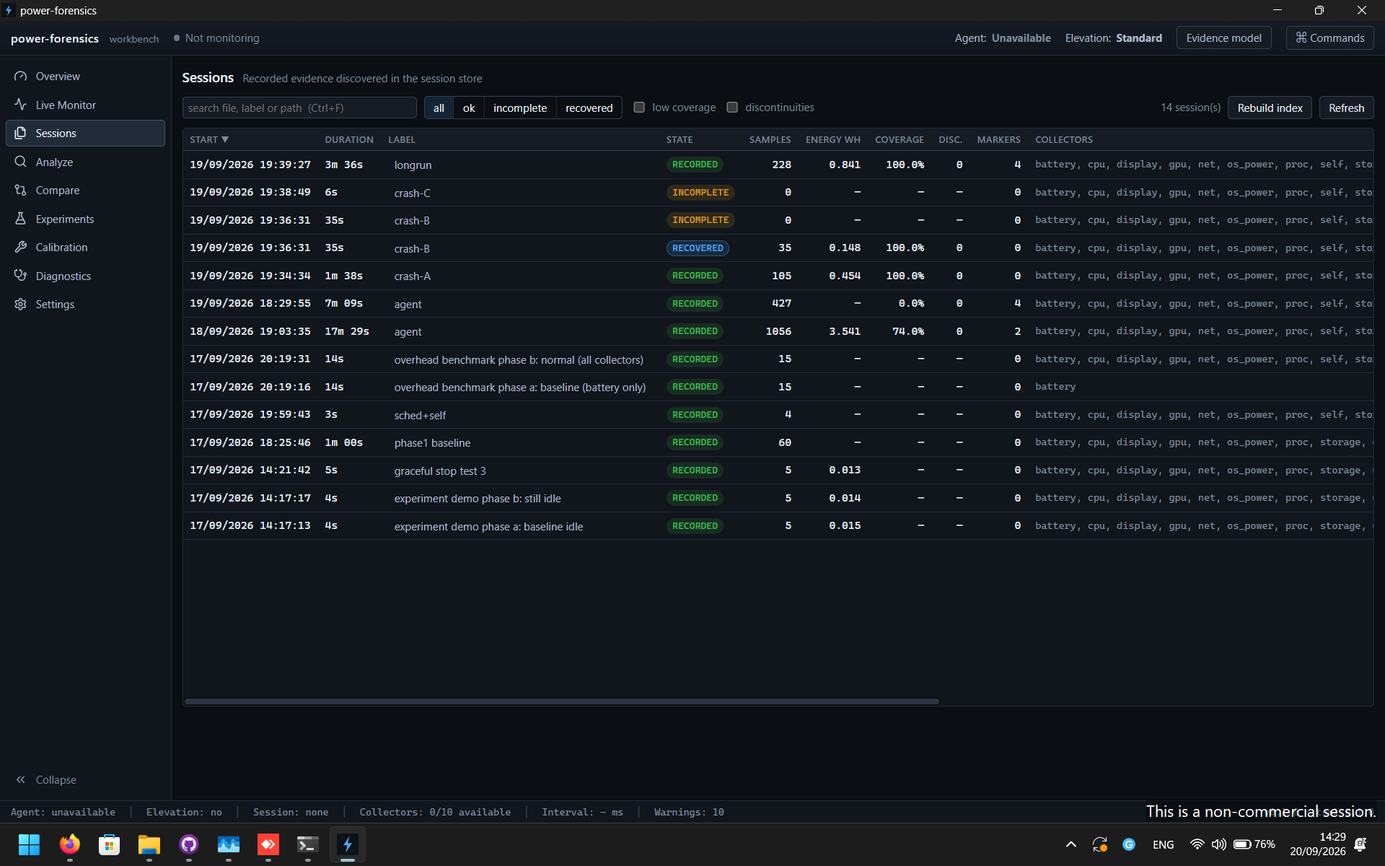
The workbench is organised around sessions rather than a live gauge. A session captures a defined experiment, the conditions it ran under, and the observations it produced. Sessions can then be compared against each other on equal terms.
The focus is investigation: collecting telemetry, correlating system activity with power behaviour, attributing consumption to the things that caused it, and producing analysis and reports that show their own provenance.
Capabilities
Main capabilities
Session-based measurement
Measurements belong to a session with a defined scope and conditions, so results are tied to the experiment that produced them rather than floating free.
Controlled comparisons
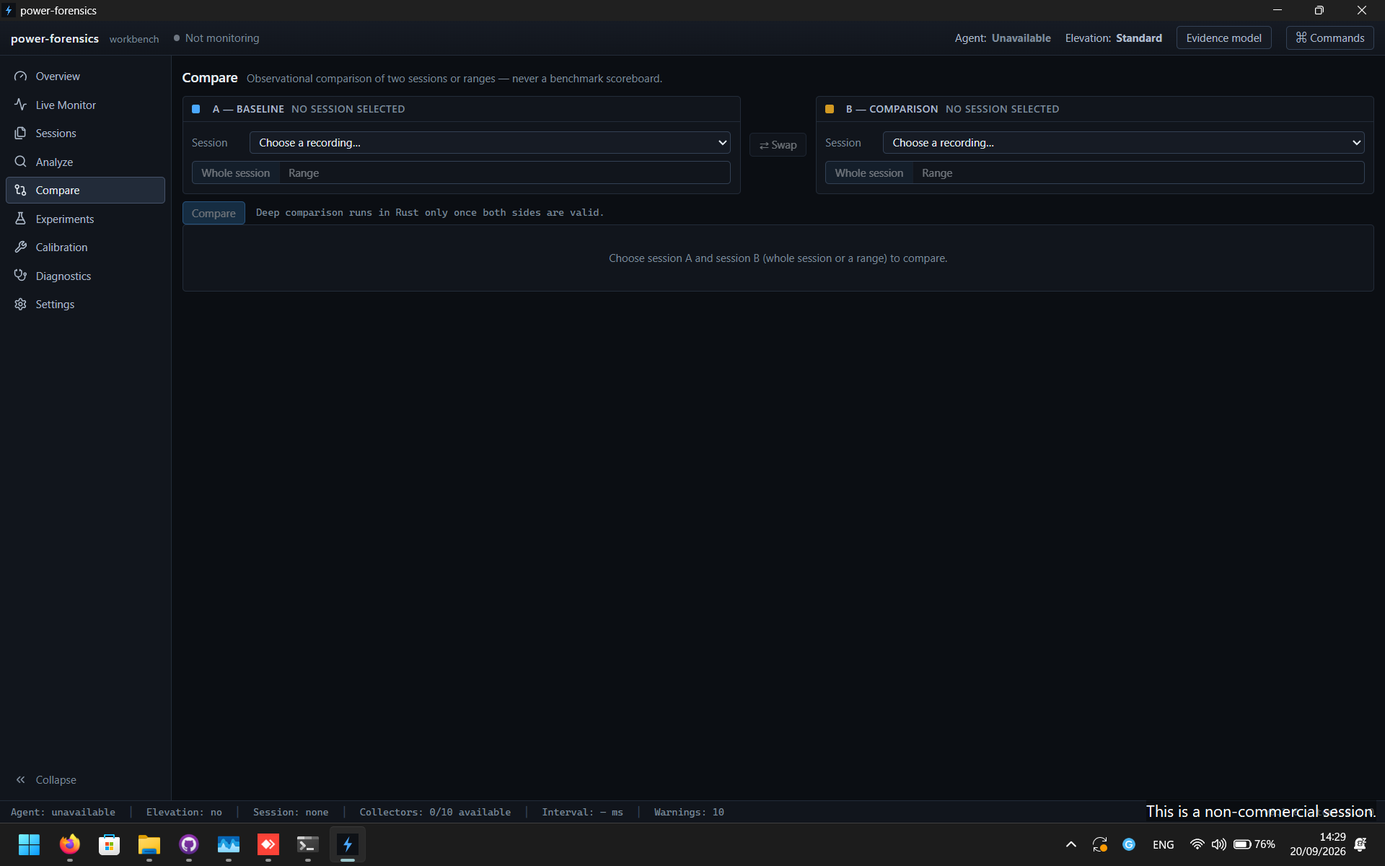
Compare sessions against each other on shared terms to separate a real change in behaviour from noise in the conditions.
Power attribution
Relate observed power behaviour to the system activity that accompanied it, so consumption can be traced back to causes.
Telemetry capture
Collect the underlying telemetry a session depends on, and keep it associated with the session rather than discarding it after a live view.
Experimental workflows
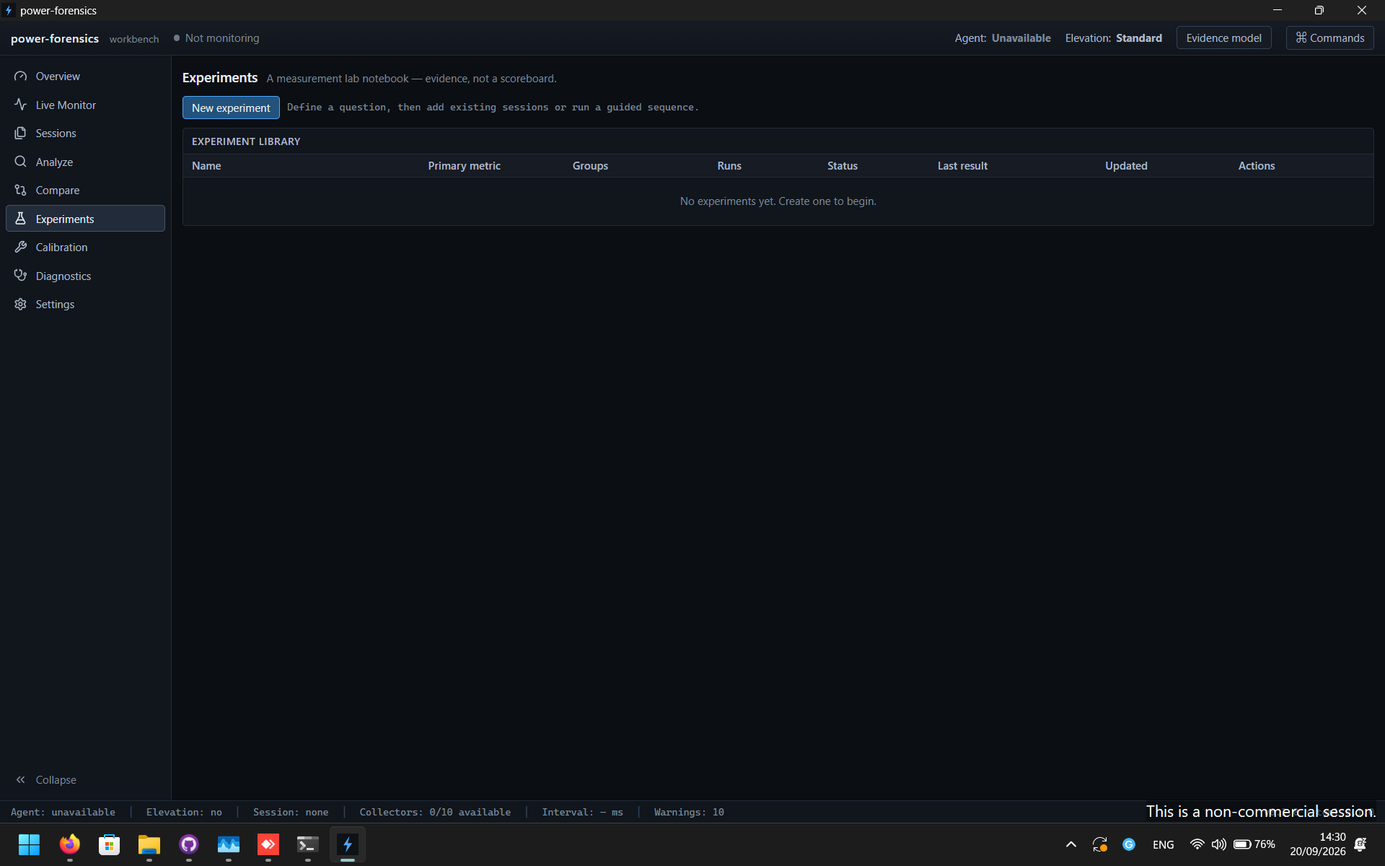
Structure investigation as repeatable experiments, including the configuration and conditions a run was carried out under.
Measurement provenance
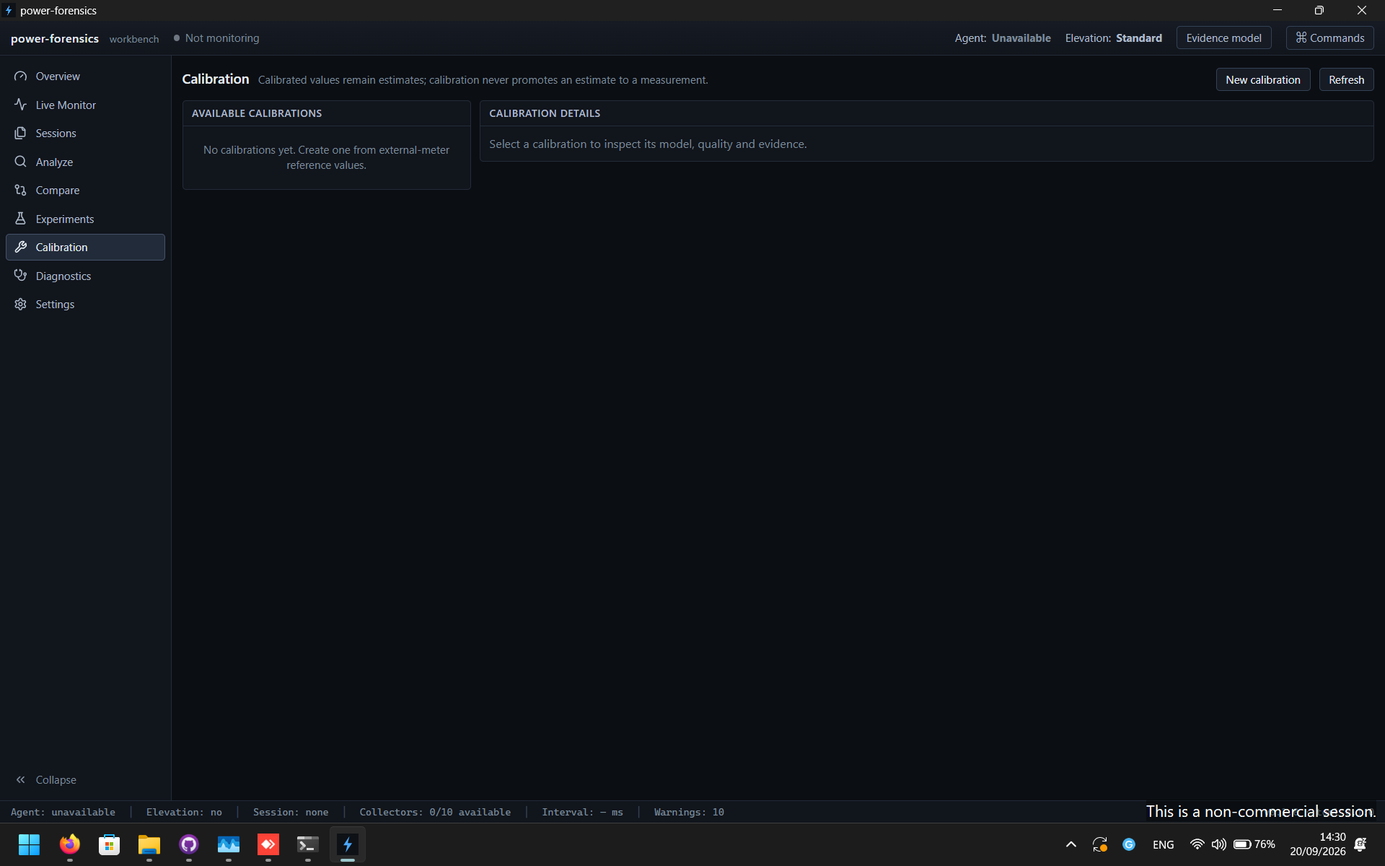
Keep track of how a value was produced, so measured, derived and estimated values are never presented as interchangeable.
Analysis and reports
Turn a set of sessions into an analysable and shareable result that carries its own context and provenance.
Model
How it works
Define a session
A session describes the experiment: its scope, the conditions it will run under, and what it intends to measure.
Capture telemetry
The session records the underlying observations it needs. The record stays attached to the session for later inspection.
Correlate and attribute
Observed power behaviour is related to concurrent system activity to move from "what happened" to "what caused it".
Compare and report
Sessions are compared on equal terms, and the result is exported with enough provenance to be reviewed or repeated.
Measurement
Measured, derived and estimated
Estimates are never presented as measurements, and derived values carry their inputs.
- Measured
A value taken directly from a sensor or telemetry source, carrying its own resolution and limitations.
- Derived
A value computed from measured values — for example a rate or a total accumulated over a session. It is only as good as its inputs.
- Estimated
A value inferred because no direct measurement was available. Estimates are labelled as such and are never presented as measurements.
Safety and limits
Safety and limitations
- Power Forensics performs local analysis. Telemetry captured by a session stays on the machine; data leaves the machine only when you explicitly export a session or report.
- Attribution relates observed power behaviour to concurrent system activity. It is an analysis aid, not proof of causation; attributed results should be treated as hypotheses to test.
- It is a measurement and investigation tool. It does not promise a fixed improvement or a specific battery-life outcome.
- Because it is pre-alpha, sessions, file formats and workflows may change between builds without migration support.
Requirements
System requirements
- Windows 11, x64
- No account required
- Local processing
Known issues
Known issues
- Pre-alpha: expect bugs, incomplete behaviour and breaking changes.
- No public binary has been published yet; the source is available.
Release
Release information
No public build has been published yet.
- Build maturity
- pre-alpha
- Windows compatibility
- Windows 11
- Architecture
- x64
When a build is published, this page will list its version, release date, file size, SHA-256 checksum, source tag and release notes. None of those exist yet, so none of them are shown.
Trust
Source, licence and privacy
Pre-alpha software should say what it is, what it is not, and how to check it.
- License
- Apache-2.0
- Status
- Pre-alpha
- Platform
- Windows
- License note
- Open source under Apache-2.0. The public source repository is available on GitHub.
- Privacy
- Local analysis. Telemetry captured by a session stays on the machine unless an export is explicitly produced.
Interface
More of the interface